Nonprofit Website Design Guide: Best Practices for Mission-Driven Sites
Your website is often the first place someone meets your mission. For nonprofits, it has to do more than look good — it has to move people from curiosity to action. This guide covers the nonprofit website design principles we use at Creative Lift to help mission-driven organizations build sites that clarify their message, earn trust, and convert visitors into advocates.
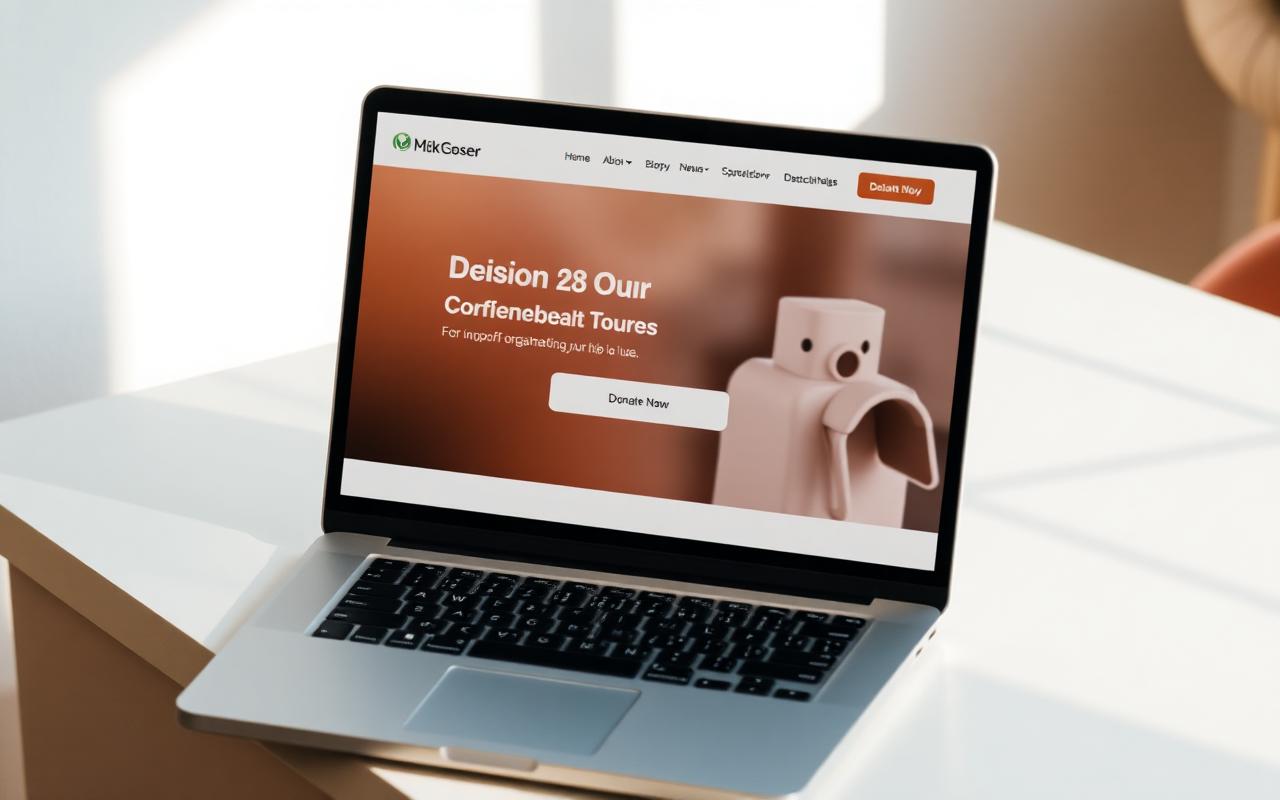
1. Start with your mission, not the menu
Before choosing colors, fonts, or layouts, decide what the site is for. The best nonprofit websites are built around a single, clear mission statement and a primary action. Every page should answer: What do we do, who do we serve, and what do we want visitors to do next?
- Identify one primary audience and one primary action (donate, volunteer, subscribe, request help).
- Put your mission statement or value proposition above the fold — in plain language, not jargon.
- Use the hero section to show impact, not just a tagline.
2. Make your donation path obvious
Donation revenue often depends on friction. If visitors cannot find the donate button or the form feels complicated, they will leave. A nonprofit website design should make giving feel safe, fast, and meaningful.
- Place a “Donate” button in the top navigation and repeat it in the body of key pages.
- Use suggested giving amounts to reduce decision fatigue.
- Keep the donation form short — name, email, payment, and a thank-you are enough for most first-time gifts.
- Offer recurring giving as a visible option with a clear value proposition.
- Ensure the donation flow works beautifully on mobile devices.
3. Use storytelling, not just statistics
Numbers show scale, but stories show the human impact behind the scale. A mission-driven website should lead with people and then back up the narrative with data. The most effective nonprofit sites use photos, quotes, and short videos to make the cause feel real.
- Feature one hero story on the homepage and refresh it regularly.
- Use real photography of the people or communities you serve instead of generic stock imagery.
- Show “before and after” impact, not just annual totals.
- Include donor or beneficiary testimonials where appropriate.
4. Design for mobile first
A significant portion of nonprofit website traffic comes from mobile devices, especially from social media and email. Mobile-first design means the site is built for small screens first, then scaled up — not the other way around.
- Use a responsive layout that reflows naturally on phones and tablets.
- Make buttons and links large enough to tap easily.
- Simplify navigation for mobile — collapsible menus, clear labels, and a prominent CTA.
- Test forms, donation flows, and video playback on real devices.
5. Prioritize accessibility
Accessibility is not optional for mission-driven organizations. Your audience includes people with disabilities, low vision, slow internet, or older devices. Meeting WCAG standards ensures your message reaches everyone.
- Provide alt text for every meaningful image.
- Maintain strong color contrast between text and backgrounds.
- Ensure all interactive elements are keyboard-navigable.
- Use proper heading hierarchy (H1, H2, H3) so screen readers can scan the page.
- Write link text that describes the destination, not “click here.”
6. Build clear, action-driven navigation
Confusing navigation kills engagement. A nonprofit website should guide visitors toward action without overwhelming them with choices. Simplify labels, group related pages, and make the next step obvious.
- Limit top-level navigation to five or six items.
- Use plain language visitors recognize: “About,” “Programs,” “Donate,” “Contact.”
- Highlight your primary call-to-action with a button or accent color.
- Use breadcrumbs or internal links to help people explore deeper content.
7. Speed matters — especially for donors
Slow websites lose trust. Research shows that even a one-second delay can reduce conversions. For nonprofits, a slow donation page can mean lost gifts. Performance optimization is a design responsibility, not just a technical one.
- Optimize and compress images before uploading them.
- Use lazy loading for images and videos that appear below the fold.
- Minimize heavy third-party scripts and tracking pixels.
- Monitor Core Web Vitals and aim for fast load times on mobile.
8. Display trust signals front and center
Donors and volunteers want to know their time and money will be used well. Trust signals reduce hesitation and build confidence. They should be visible on donation pages, the homepage, and key landing pages.
- Show financial transparency: how funds are used, ratings, or annual reports.
- Include testimonials from donors, volunteers, or beneficiaries.
- Display partner logos, certifications, and media mentions.
- Use secure payment badges and a clear privacy policy near donation forms.
- Make contact information easy to find.
9. Keep content fresh and scannable
Most visitors scan before they read. A nonprofit website should use clear headings, short paragraphs, lists, and white space to make content easy to consume. Stale content signals neglect, so keep the site updated.
- Break long pages into scannable sections with descriptive headings.
- Publish regular updates: blog posts, news, impact reports, or event recaps.
- Remove outdated programs, staff listings, or expired campaigns.
- Write at a reading level accessible to a broad audience.
10. Test and iterate with real users
The best websites are never truly finished. Use analytics, user feedback, and testing to improve over time. Watch how real visitors interact with your site and remove the friction they encounter.
- Set up analytics to track traffic sources, popular pages, and conversion paths.
- Run user testing with donors, volunteers, or the people you serve.
- Use heatmaps or session recordings to find where visitors get stuck.
- A/B test headlines, CTAs, and donation form layouts to improve results.
Common nonprofit website mistakes to avoid
Even well-intentioned nonprofit sites can fall into traps that hurt engagement and conversions. Here are the most common ones we see:
- Too many competing CTAs. When every section asks for something different, visitors choose nothing.
- Jargon and insider language. Write for someone who has never heard of your organization.
- Hiding the donate button. If it takes more than a few seconds to find, you are losing gifts.
- Ignoring mobile users. A desktop-only experience excludes a large portion of your audience.
- Slow load times. Heavy images, unoptimized videos, and bloated scripts drive visitors away.
- Neglecting accessibility. Barriers prevent people from engaging with your mission.
Nonprofit website design checklist
Use this checklist to audit your current site or plan your next redesign:
- Mission statement is clear above the fold
- Donation path takes fewer than three clicks
- Primary CTA is visible on every key page
- Site is fully responsive on mobile and tablet
- Images and videos are optimized for speed
- Color contrast meets accessibility standards
- All images have descriptive alt text
- Navigation uses plain, recognizable labels
- Trust signals appear on donation and homepage
- Contact information is easy to find
- Content is scannable with clear headings
- Site is regularly updated with fresh content
How Creative Lift can help
At Creative Lift, we partner with nonprofits and ministries to build websites that lift the creative burden off your team. From strategy and UX to design, development, and ongoing care, we help mission-driven organizations create digital experiences that serve their people and advance their mission.
Whether you need a full redesign, a clearer donation flow, or a partner to maintain your site over time, we can help you build something that works.
Ready to strengthen your nonprofit website?
Tell us about your mission and goals. We will help you plan a website that serves your audience and grows your impact.
Further reading
From Creative Lift
- Nonprofit website audit checklist — score your current site before you commit to a redesign.
- Nonprofit website redesign — how a full redesign engagement is scoped and staged.
Outside resources
- WCAG accessibility guidelines — the standard most nonprofit accessibility requirements point back to.
- Google Search Essentials — Google's own guidance on making pages discoverable and crawlable.
Related posts
Nonprofit Website Audit: A Communication Manager's Checklist
Audit accessibility, donation flow, and impact storytelling — and prioritize the fixes that pay off first.
Read →Best Nonprofit Website Examples: 18 Sites Worth Studying in 2026
A curated inspiration gallery of nonprofit websites — with notes on the one thing each site gets right.
Read →How to Choose a Nonprofit Website Design Partner: A 10-Question Checklist
Ten questions to ask before you sign — strategy, accessibility, migration, CMS choice, training, and post-launch support.
Read →