Understanding Teleprompters: A Behind-the-Scenes Look at How They Work
In the world of television broadcasting, speeches, and live events, the teleprompter is an unsung hero. It helps presenters deliver smooth, engaging performances without the need to memorize lengthy scripts. But what exactly is a teleprompter, and how does it work?
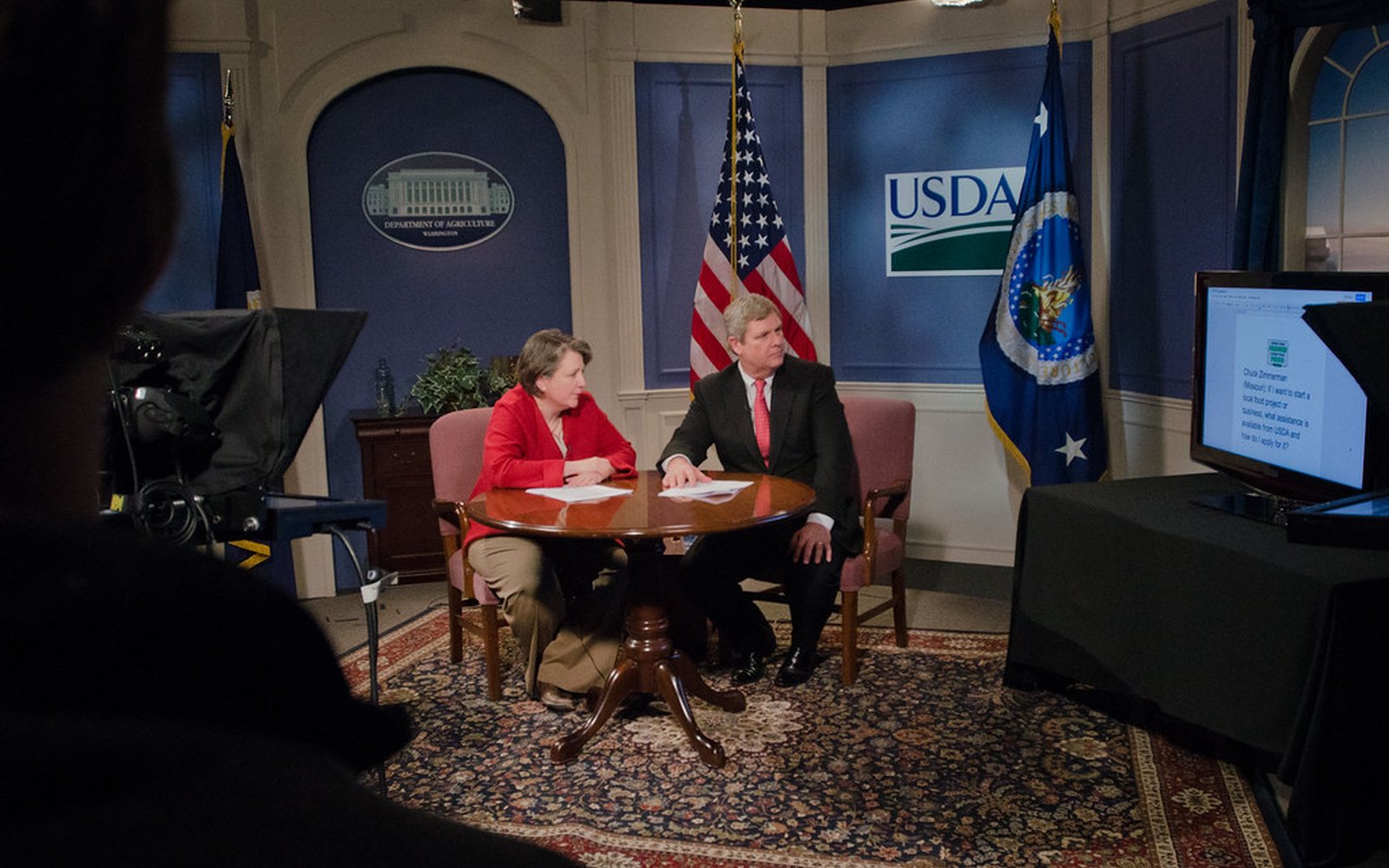
What is a teleprompter?
A teleprompter, also known as an autocue, is a device that displays text for a speaker to read while appearing to maintain direct eye contact with the audience or camera. This technology allows presenters to deliver their lines seamlessly, enhancing the flow of information and maintaining the natural rhythm of speech.
The components of a teleprompter
A teleprompter consists of several key components:
- Monitor: the screen where the script is displayed. It can be a standalone monitor or a tablet.
- Glass screen: a special piece of glass, often called a beamsplitter or teleprompter glass, reflects the text from the monitor. This glass is placed at a 45-degree angle in front of the camera lens.
- Software: teleprompter software allows the script to be displayed and scrolled at a controlled speed. The software can be installed on various devices, from computers to tablets.
- Mounting equipment: the stands, brackets, and mounts that hold the teleprompter in place, ensuring it is positioned correctly for the presenter.
How does a teleprompter work?
The operation of a teleprompter is straightforward yet ingenious. Here is a step-by-step breakdown of the process:
- Script preparation: the script is pre-written and loaded into teleprompter software. The text can be edited for clarity and readability.
- Display setup: the teleprompter monitor is set up in front of the camera, and the beamsplitter glass is positioned at a 45-degree angle to the lens. This configuration allows the camera to see through the glass while reflecting the text toward the presenter.
- Text reflection: the text from the monitor is reflected on the beamsplitter glass. The presenter reads this reflected text while looking into the camera lens.
- Scrolling control: the script is scrolled through the teleprompter software, either manually by a technician or automatically at a preset speed. The scrolling speed can be adjusted in real time to match the presenter's pace.
Benefits of using a teleprompter
Teleprompters offer numerous advantages, particularly in professional settings:
- Improved delivery: presenters can maintain eye contact with the camera, enhancing engagement and making the speech feel more natural and convincing.
- Reduced memorization: the need to memorize long scripts is eliminated, reducing stress and the risk of errors.
- Flexibility: scripts can be easily edited on the fly, and the scrolling speed can be adjusted to match the presenter's speaking pace.
- Professionalism: the seamless delivery of information helps maintain a professional appearance, crucial for news anchors, politicians, and public speakers.
Conclusion
The teleprompter is a vital tool in the arsenal of broadcasters, public speakers, and content creators. By allowing presenters to deliver scripts effortlessly while maintaining direct eye contact, teleprompters ensure a polished, professional delivery. Understanding how this technology works not only demystifies the process but also highlights its importance in effective communication. Whether you are delivering the evening news, a keynote speech, or creating content for social media, a teleprompter can be your best ally in achieving a flawless performance.
Need a teleprompter-ready production?
We help nonprofits and ministries produce on-camera content with the right gear, scripts, and crew so your message lands.
Further reading
From Creative Lift
- 5 tips for shooting video with your phone — practical setup advice for teams filming without a studio.
- Creative Lift services — scripting, filming, and post-production help for nonprofit video.
Outside resources
- NIST — background on the display and optics standards behind modern prompter hardware.
Related posts
5 Tips to Shooting Video with Your Cell Phone
Lighting, stability, background, audio, and angles — plus gear recommendations for better mobile video.
Read →Boost Your Business's Visual Appeal with Canva
Canva's templates, brand kits, and image libraries help small teams create consistent, professional visuals.
Read →The 5 Benefits of Using Automation Tools in Your Creative Process
Save time, reduce errors, free up creative focus, improve collaboration, and raise quality across the board.
Read →