5 Tips to Shooting Video with Your Cell Phone
Your phone is a capable camera. With a few simple habits, you can make videos that look and sound far more professional — no studio required.
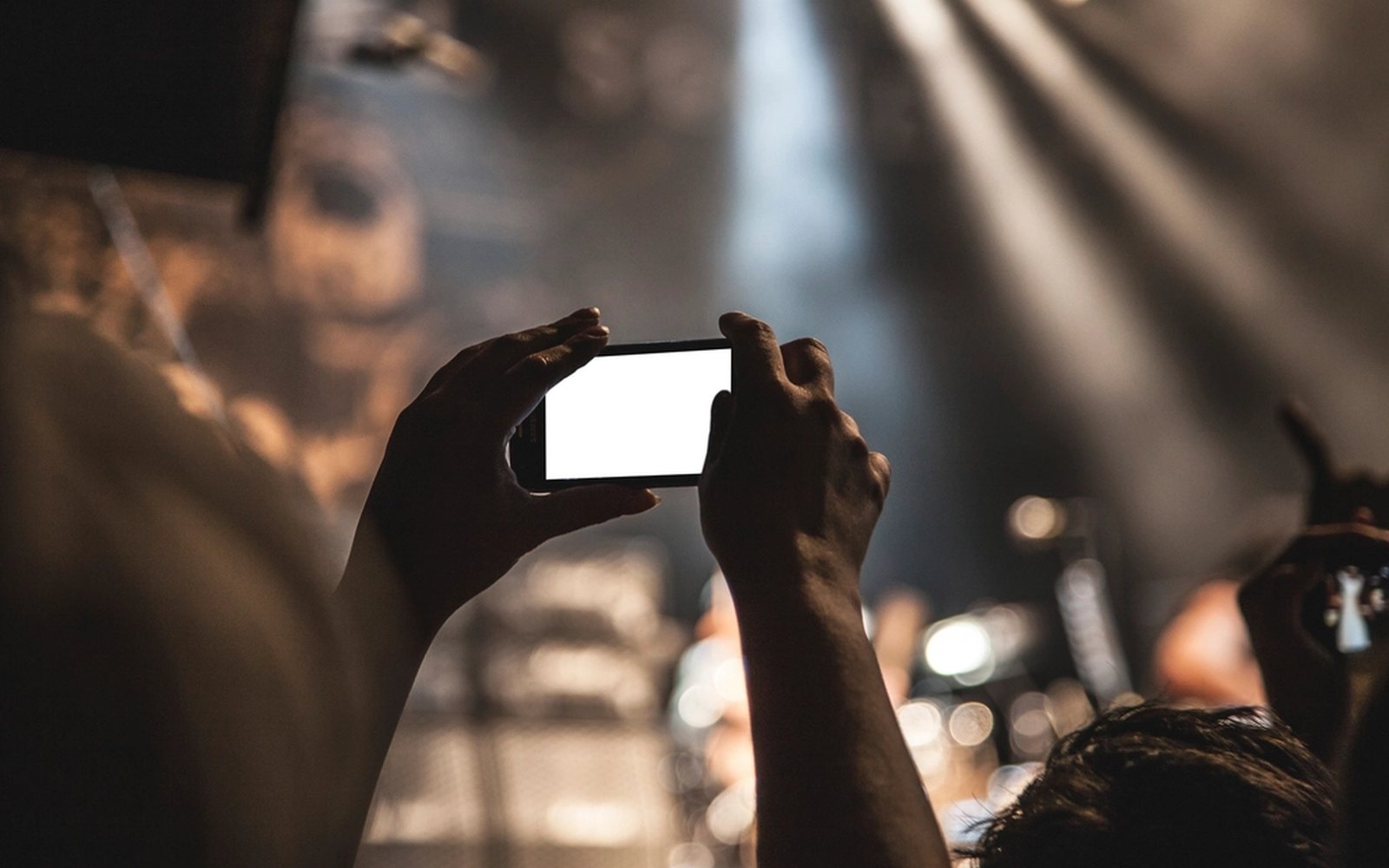
1. Find good lighting
Natural light is ideal for filming, creating a soft, flattering glow. Position yourself facing a window or venture outdoors during daylight hours for optimal lighting conditions. Avoid harsh overhead lights or direct sunlight, as they can cast unflattering shadows on your face. If you must film indoors, experiment with different light sources and angles to achieve the best results. Consider investing in a ring light or LED panel for consistent, adjustable lighting.
Product recommendation: Neewer 18-inch LED Ring Light
2. Steady hands or support
Shaky footage can detract from the professionalism of your video. Use a tripod or stabilize your phone against a solid surface like a table or countertop to ensure steady shots. If a tripod isn't available, hold your phone with both hands close to your body to minimize movement. Additionally, consider using the grid feature on your phone's camera app to help align your shots.
Product recommendation: UBeesize 67" Phone Tripod & Selfie Stick
3. Mind your background
Your background sets the scene for your video and can either enhance or detract from your message. Choose a clean, uncluttered background that complements your content and won't distract viewers. Avoid busy or messy backgrounds, as they can draw attention away from you. Consider using a plain wall, bookshelf, or neatly arranged space as your backdrop. If filming outdoors, be mindful of any distracting elements in the background and adjust your framing accordingly.
4. Check audio quality
Good audio is essential for engaging video content. Film in a quiet environment free from background noise or distractions to ensure clear sound. Close windows and doors to minimize outside sounds, and turn off noisy appliances or electronics. Consider using an external microphone, such as a clip-on lavaliere or directional shotgun mic, to capture crisp audio directly from your voice. Test your audio levels before filming to ensure optimal sound quality.
Product recommendation: Godox MoveLink II M2
5. Experiment with angles
The angle at which you film can dramatically impact the look and feel of your video. Experiment with different camera angles to find your content's most flattering and engaging perspective. For example, filming from slightly above eye level can help minimize double chins and create a more flattering appearance, while filming from below can add a sense of authority or drama. Don't be afraid to get creative and try unconventional angles to make your videos stand out.
Need help producing video that lands?
From quick mobile shoots to full productions, we help nonprofits and ministries tell stories that move people to action.
Further reading
From Creative Lift
- Understanding teleprompters — how to keep on-camera delivery natural once you are shooting scripted video.
- Creative Lift services — video, motion, and storytelling support when a phone shoot needs a bigger lift.
Outside resources
- Vimeo Video School — free tutorials on framing, lighting, and editing fundamentals.
Related posts
Understanding Teleprompters: A Behind-the-Scenes Look at How They Work
What a teleprompter is, the components that make it work, and why it's essential for broadcasters and creators.
Read →Boost Your Business's Visual Appeal with Canva
Canva's templates, brand kits, and image libraries help small teams create consistent, professional visuals.
Read →The 5 Benefits of Using Automation Tools in Your Creative Process
Save time, reduce errors, free up creative focus, improve collaboration, and raise quality across the board.
Read →